 Cadence
Take back your freedom
one mile at a time.
You choose how much screen time is enough. If you overstep your limit, Cadence locks the distractions until you run to earn your freedom back.

 Harvard
 Penn
Penn
 Dartmouth
Freedom starts with a limit you choose.
Cadence turns your Screen Time limit into a promise to yourself—and every run into time reclaimed from your phone.
Set your own boundary
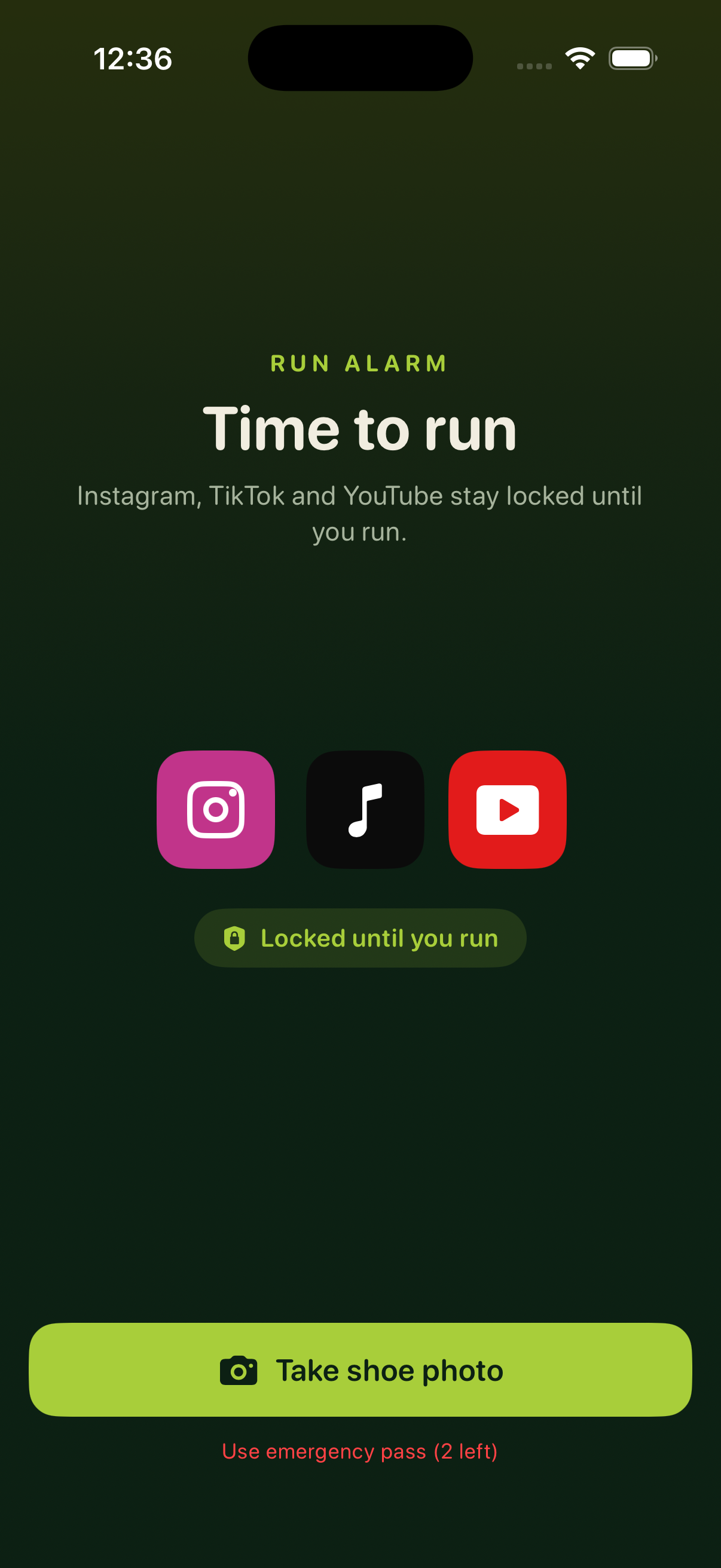
Choose the apps and categories that pull you in, then decide how much of your day you are willing to give them.
Overstep it, and run
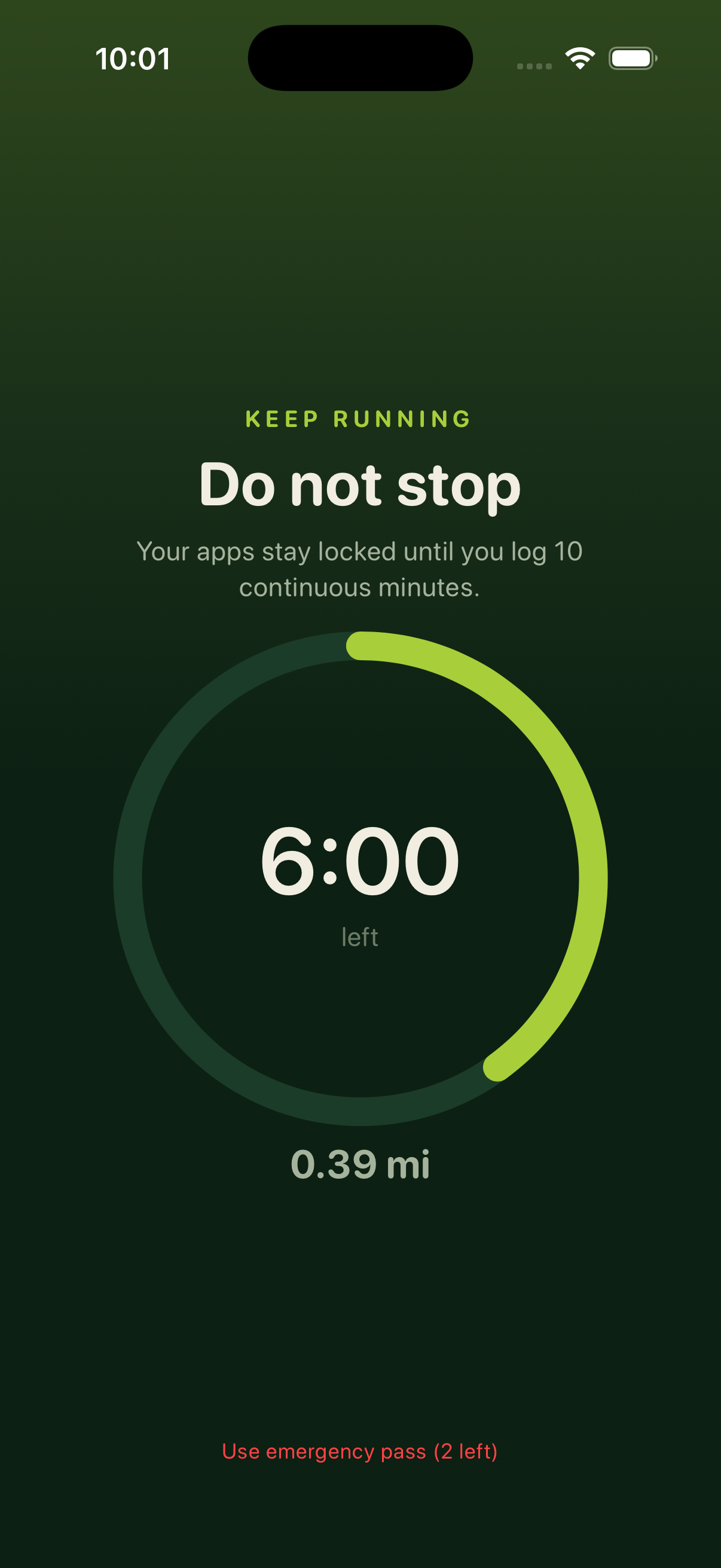
Use more than you allowed yourself and the distractions lock. The wheel chooses a run from the level you set.
Earn your freedom back
Finish the run to unlock your apps. Each mile breaks the scroll, clears your head, and puts more of the day back in your hands.
The honest answers
Is Cadence a running app or a screen time app? +
It is a screen time app that uses running to help you reclaim your attention. You set the boundary; Cadence makes overstepping it cost a real, verifiable run.
What happens when I reach my limit? +
Your selected distractions lock and Cadence gives you the wheel. The run it lands on is what it takes to earn access—and your attention—back.
Which apps get locked? +
Only the apps, websites, and categories you choose in Apple's private Screen Time picker. Cadence never receives their names or your exact usage history.
Why running instead of another timer? +
Timers and warnings are easy to dismiss. A run physically carries you away from the feed, clears the loop, and turns an overstep into a mile spent living instead.
What does it cost? +
Everything is free for three days. Cancel any time before the trial ends and you are not charged.